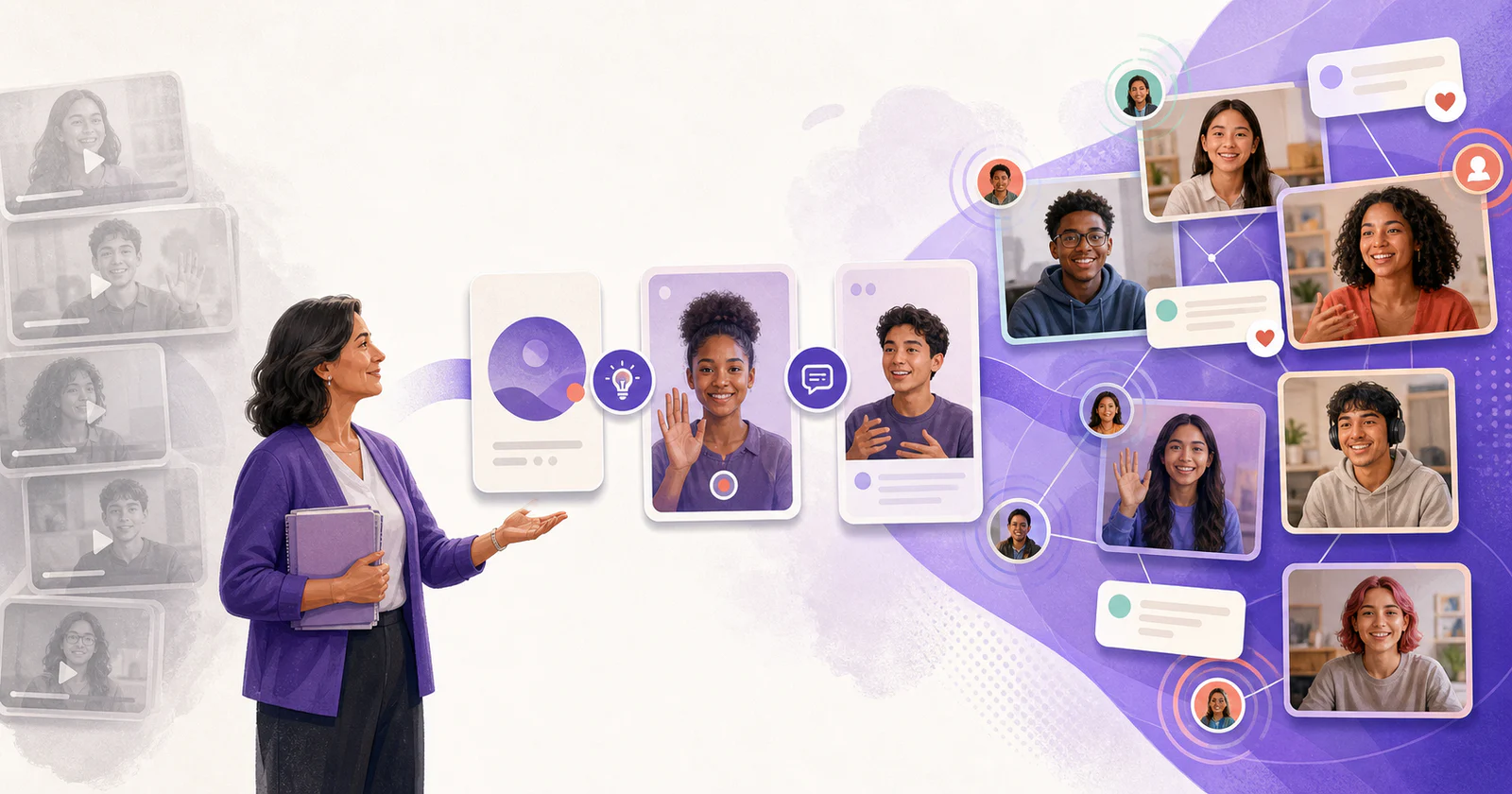
Replacing Flipgrid starts with the activity you miss. You may need a place for weekly video discussions, a way to collect private speaking assignments, or a gallery where students share different kinds of work.
Vivipod, Padlet, Screencastify Submit, and VoiceThread cover those needs in different ways. Each can handle student video, but the recording, sharing, and reply steps differ. Try a complete activity before moving your class.
You can also review the products directly: Padlet, Screencastify Submit, and VoiceThread.
Table of Contents
Start with what you used Flipgrid for
| Your activity | Tool to try | Why |
|---|---|---|
| Video responses to a prompt, with peer discussion | Vivipod | Spaces and Topics keep related Posts together, with comments, mentions, moderation, and notifications |
| A mixed-media wall or gallery | Padlet | Video can sit alongside images, links, text, audio, and other contributions |
| Private or teacher-reviewed video assignments | Screencastify Submit | Teachers share an assignment link and collect recordings for review |
| Comments on slides, images, or presentations | VoiceThread | Text, audio, and video comments stay attached to shared media |
| Written discussion and grading inside the course | Your LMS | Students already have access, and replies stay with the course |
Flipgrid, Flip, and Microsoft Teams
Flipgrid was renamed Flip in 2022. The standalone app and website were later retired, so searches for “Flip alternatives” and “Flipgrid alternatives” refer to the same product.
Some recording features moved into Microsoft Teams for Education. If your school uses Teams and you mainly need video assignments, check its Flip video recording instructions before adding another tool.
What made Flipgrid useful in class
Flipgrid brought several steps into one place. Teachers could create a class space, add a prompt, choose how responses became visible, and let students record and reply. The recorder gave students ways to show and explain their work, and they could return to the same space for the next activity.
A replacement may cover some of those steps well and leave others to the LMS or another tool. Work out which ones your class needs before comparing plans.
What to check in a replacement
Prompts and class organization
Can you keep the class in one place and add separate prompts over time? Or does every assignment need a new link? Either can work, but students need to know where to find the current activity.
Recording controls
A quick spoken answer may need only a camera and microphone. Explaining a math process or a design choice may also need drawing, screen sharing, or the ability to pause and continue a take. Try those controls on a student device.
Peer replies and notifications
If discussion is part of the assignment, check how students leave comments
and find replies later. In Vivipod, comments can include @mentions and
timestamps such as 0:33 that link to a moment in a video. Post authors
receive comment notifications, and mentioned members receive mention
notifications. Email frequency can be set to right away, every three hours,
daily, weekly, or never.
Access, moderation, and privacy
Check who can join, who can view Posts, and whether you can review responses before classmates see them. For school use, review data handling and deletion controls as well. Try the settings with a student account so you can explain exactly who will see their work.
Vivipod
Vivipod is worth trying if you used Flipgrid for recurring video discussions. Create a Space for the class and a Topic for each prompt. Students record Posts, and classmates can respond in comments when you enable them.
You can:
- use Open access or require approval to join a Private Space
- require approval before a Topic's Posts become visible to classmates
- turn comments on or off for each Topic
- leave comments with mentions and timestamps
- choose email frequency for new Posts, comments, and mentions
The recorder supports drawing, pause and resume, screen and camera together, switching modes during a recording, saved drafts, and custom thumbnails. Those controls are useful when a student needs to show work while explaining it.
Vivipod has no ads, does not sell student data, and does not use it for targeted advertising. It is designed to support compliance with FERPA and applicable student privacy laws, and a DPA is available for districts. See the privacy and DPA materials for your institution's review.
Vivipod is newer than the other tools in this comparison. If you need a multimedia board, try Padlet. For collecting videos primarily for teacher review, compare Screencastify Submit. For comments on individual slides or shared images, look at VoiceThread.
Padlet
Padlet works well for galleries, showcases, brainstorms, and collections of class resources. Students can post text, images, links, audio, and video on one board.
That variety is useful when students should browse different kinds of work. If you want a separate prompt and set of video responses for each week, check how you would organize the board and help students find replies.
Try Padlet when:
- the assignment is a gallery walk, brainstorm, or showcase
- students need to contribute different media types in one place
- the arrangement of posts helps students understand the material
The recorder shown here has record and pause controls. If students need to draw, share a screen, or switch views during a recording, test those needs before choosing it for the activity.
For a closer comparison, see Padlet alternative for video discussion.
Screencastify Submit
Screencastify Submit lets you create an assignment, share a link, and collect student recordings. Teachers control whether classmates can view submissions. That suits a speaking check, a performance, or an explanation you will review individually.
Schools that already use Google Classroom may find the assignment process familiar. Submit is separate from Screencastify Record: students do not need the Record Chrome extension to submit a response, though the sign-in setup may require a Google account.
Check the recording controls and submission caps before assigning work. The Submit recorder shown here uses record and stop; it does not show the drawing and pause controls available in Screencastify Record. Earlier Free and Starter plans allowed up to 35 submissions per Topic, so check the current plan if you teach a larger class.
Submit is a useful option when recordings mainly go to the teacher. If you need students to discuss responses over several days, test peer replies and notifications as part of your comparison.
The Screencastify Submit alternative guide looks more closely at that choice.
VoiceThread
VoiceThread keeps comments attached to shared slides, images, documents, or video. Students can respond with text, audio, or video and annotate while speaking. That makes it useful when everyone needs to discuss the same material.
Try VoiceThread for:
- feedback on a presentation
- discussion of an image, document, or video
- narrated critique where students need to point to a detail
- a seminar organized around shared media
If students need to record independent answers to a recurring question, the shared-media setup may be more than the assignment needs. Try that prompt in Vivipod as well and compare the steps students take.
See Vivipod vs VoiceThread for a closer look at class discussion and comments on shared media.
Compare free and paid plans
Use a free plan to try the whole student activity. Check:
- how many assignments, boards, Spaces, or recordings it allows
- recording-length and storage limits
- whether students need accounts
- whether peer viewing and comments are included
- moderation and administrator controls
- captions, exports, and deletion options
- what changes when an instructor moves to a school or campus plan
For current limits and prices, see Padlet, Screencastify, VoiceThread, and Vivipod.
Have a few students open a prompt, record, submit, comment where appropriate, and return after a notification. Include the devices they use in class.
Check the fit for your students
K–12
Try the sign-in and recording steps on school-managed devices. Check moderation and visibility controls, complete the district privacy review, and make sure students can find the prompt without repeated help.
Padlet may suit a visual activity, Submit a teacher-reviewed recording, and Vivipod a video discussion with Topics and peer comments.
Higher education
Consider how the activity fits the course: seminar participation, oral reflection, project defense, or peer critique. Plan for accessibility and student anxiety, check LMS requirements, and estimate the time you will spend reviewing responses.
VoiceThread suits comments on slides and shared media. Vivipod suits short responses to a prompt followed by comments and questions. For other formats, see Best Discussion Board Alternatives for Higher Education.
Move one Flipgrid activity
Choose an activity that worked well in Flipgrid and try it with a small group:
- Decide who will respond. Is the recording for the instructor, for peer discussion, or for a gallery?
- Write the prompt. Keep it short and say what evidence students should include.
- Set a time limit. Try 60–120 seconds for a focused explanation, and check that students can answer the prompt in that time.
- Choose visibility. Decide when classmates should see responses, then check that the tool supports that setting.
- Explain the reply. Ask for a question, comparison, or comment on a specific moment. Give the author time to answer.
- Test notifications. Check how students find the conversation when someone responds.
- Practice before grading. Run an introduction or reflection before the first assessed activity.
For more help choosing between private submissions and class discussion, see student video response tools.
If you mainly miss the recorder
Compare drawing, screen and camera recording, pause and resume, and the setup on school Chromebooks. Our Best Recorder for Education guide covers Vivipod, Loom, and Screencastify Record in detail.
Frequently asked questions
What replaced Flipgrid?
There is no single replacement for all of Flipgrid's activities. Try Vivipod for class video discussion, Padlet for multimedia boards, Screencastify Submit for collecting recordings, and VoiceThread for comments on shared media. Microsoft Teams for Education also includes Flip recording features.
Is a Flip alternative the same as a Flipgrid alternative?
Yes. Flip was the renamed Flipgrid. Both names refer to the standalone product that was retired.
What is the closest tool to Flipgrid?
If you used Flipgrid for class prompts and video replies, Vivipod is a close fit. You can organize Posts by Topic, moderate them before sharing, and use comments, mentions, timestamps, and notifications for discussion.
Which tool fits Google Classroom video assignments?
Screencastify Submit is worth trying when you need to collect videos for teacher review. Its Google Classroom integration lets teachers create Topics and assign them to students through Classroom.
Which tool fits higher-ed discussion?
VoiceThread suits comments tied to slides or other shared media. Vivipod suits recurring prompts where students record their own explanations and discuss them in comments. Keep the LMS discussion board when written replies suit the assignment already.
What should schools look for besides features?
Check access, moderation, data handling, deletion, and the steps students will need to complete. For Vivipod, start with the privacy and DPA materials, then try a Topic with the visibility settings your class needs.
If a classroom requirement is missing from this comparison, tell us at hi@vivipod.com.
See how Vivipod works and try one activity with your class.