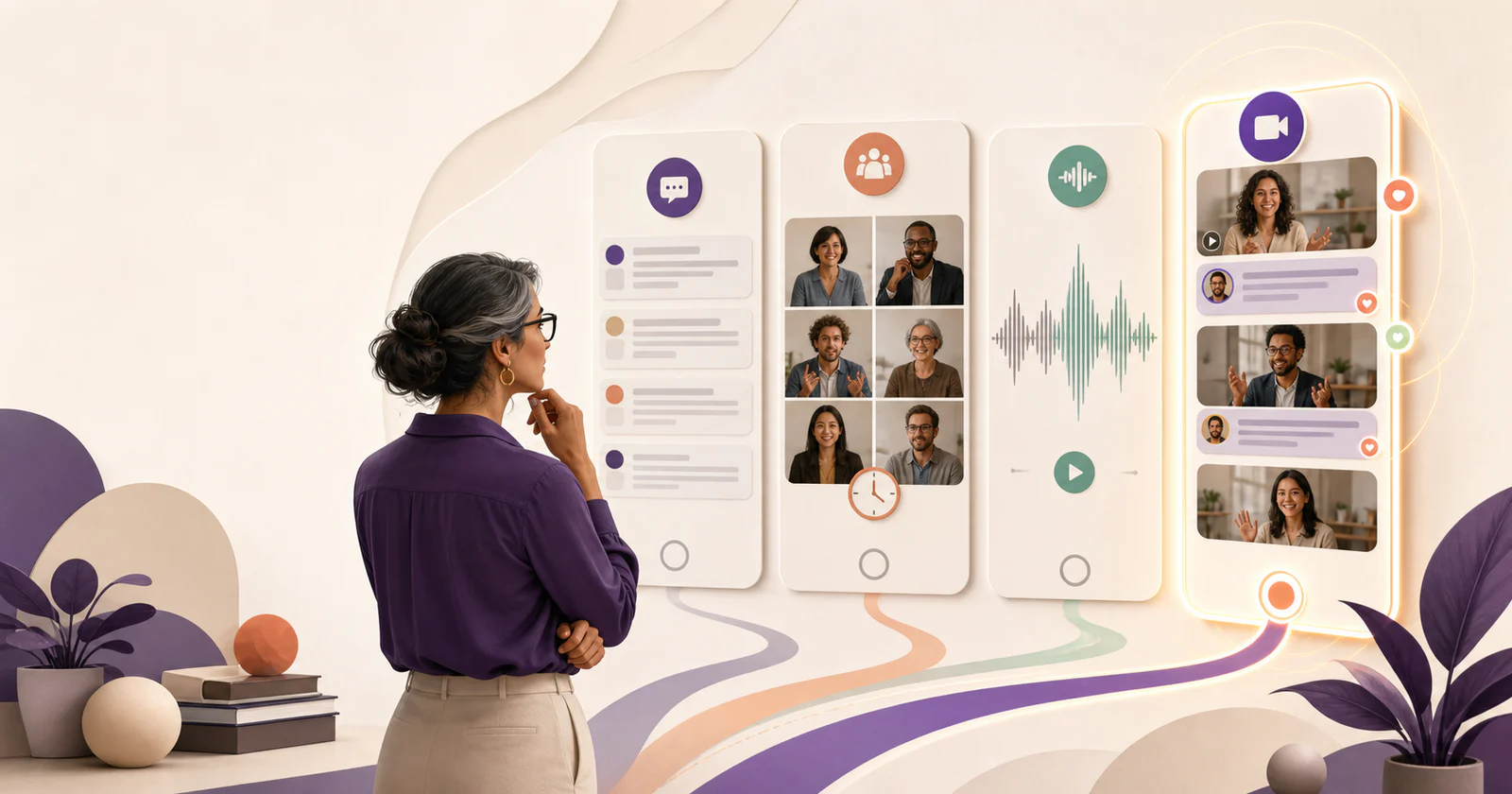
Start by choosing the discussion format. Depending on the learning objective, the right answer may be a better text prompt, live seminar, audio reflection, collaborative annotation, or short asynchronous video response.
The decision should begin with what students need to do:
- make an initial claim
- explain a process
- hear different perspectives
- critique a peer's work
- defend a project decision
- build a learning community
Table of Contents
Where to start
- Keep the LMS discussion board for straightforward text participation, course-contained access, and familiar grading.
- Use a live seminar or meeting when immediate exchange and spontaneous follow-up are essential and scheduling is realistic.
- Use VoiceThread when discussion should remain anchored to slides, images, documents, or video.
- Use Padlet for a mixed-media wall, gallery, brainstorm, or showcase.
- Use Vivipod when students should explain ideas in short videos and continue through comments, mentions, timestamped feedback, and notifications.
Why students post and never come back
The familiar pattern is easy to recognize:
- post once by Thursday
- reply to two classmates by Sunday
- meet a word count
It is easy to check who completed those steps. It is harder to tell whether anyone read the replies. Students can write separate mini-essays, agree with two classmates, and earn full credit without returning.
Technology alone will not fix it. Moving the same prompt and grading rule into a video platform can reproduce the same behavior with larger files.
Give students a reason to return. You can change who responds to whom, ask for evidence from a shared source, or leave time for the author to answer a question after the first round of replies.
Choose a format for what students need to do
| Format | Useful when students need to | Main advantage | Main risk |
|---|---|---|---|
| Asynchronous text | Develop a considered claim, cite sources, or participate across time zones | Searchable, skimmable, and usually native to the LMS | Can become a collection of disconnected mini-essays |
| Live discussion | Work through an idea together and respond on the spot | Immediate follow-up and social energy | Finding a meeting time and giving everyone a chance to speak |
| Asynchronous audio | Practice explanation with less camera pressure | Students can speak without appearing on camera | Harder to skim and reference precisely |
| Asynchronous video | Explain, demonstrate, present, or reflect with visible presence | Combines voice, expression, screen sharing, and flexible timing | Requires clear time limits, accessibility planning, and specific prompts |
| Collaborative annotation | Point to evidence in a shared text, image, or piece of work | Keeps discussion close to the object being analyzed | Less suitable for independent presentations or broad community conversation |
| Mixed-media board | Collect varied examples, resources, and creative work | Flexible and visually engaging | The relationship between contributions can become unclear |
The task determines how much thinking students need to do. A text reply can require careful reasoning; a video can still repeat a claim without evidence.
Compare the tools
| Option | Best fit | Discussion structure | Consider another option when |
|---|---|---|---|
| LMS forum | Text discussion and grading inside the course | Prompt with threaded replies inside the course | Recording and social presence are central to the objective |
| Vivipod | Recurring asynchronous video discussion and oral explanation | Space → Topic → video Post → Comment, with moderation and notifications | You need a dedicated private submission tool or grading inside the LMS |
| VoiceThread | Commentary around slides and other shared media | Text, audio, and video comments attached to shared media | The class needs a lighter prompt-and-post conversation space |
| Padlet | Gallery walks, showcases, brainstorms, and mixed media | Flexible visual board with posts and comments | Students need a separate prompt and set of responses for each activity |
| Live meeting | Immediate seminar exchange | Real-time conversation | Students cannot reliably attend at the same time or need more preparation time |
| Team chat | Informal course community and quick questions | Channels and message threads | The activity needs separate assignments, a grading rubric, or post approval |
For product details, see VoiceThread's higher-education offering, Padlet moderation, and Canvas discussion threads. Check the features and license terms available to your institution before adopting a tool.
When to keep the LMS discussion board
Keep the LMS forum when:
- students need to quote, link, or cite extensively
- the discussion must connect directly to a gradebook or group set
- accessibility accommodations are already established there
- the activity is too short to justify asking students to open another tool
- students benefit from scanning many responses quickly
A well-designed text discussion can ask students to compare two claims, revise after peer evidence, synthesize a thread, or bring an insight into class. Text can work well when students have a specific reason to respond to each other.
When asynchronous video helps
Video becomes useful when the way a student explains is part of the evidence.
Examples include:
- walking through a quantitative method
- defending a design choice
- demonstrating a clinical or technical process
- reflecting on fieldwork
- practicing a language
- presenting a piece of work
- responding to a case without reading a polished script
Asynchronous video removes some pressure from a live oral exam while preserving voice, pacing, and visible explanation. Students can prepare, record within a clear limit, and participate without finding a common meeting time.
Tell students what you want to hear in the explanation and how you will assess it. A recording cannot establish that they worked without help.
How discussion works in Vivipod
An instructor creates a Space for the course or cohort, then creates Topics for activities. Each Topic can:
- require posts to be approved before publication
- enable or disable member comments
- include a prompt and instructions for the activity
Students publish video Posts. When comments are enabled:
- peers can write feedback or questions
- comments can
@mentionanother member of the Space - a commenter can insert the video's current playtime
- selecting that timestamp returns to the referenced moment
- post authors receive comment activity
- mentioned members receive separate mention activity
- email frequency can be set to right away, every three hours, daily, weekly, or never
Notifications let students know about replies that arrive hours or days after they posted.
When to use VoiceThread
VoiceThread lets the class discuss shared media. It supports text, audio, and video comments, replies, and annotation on slides and other media.
Choose VoiceThread when:
- students must point directly to a slide, image, document, or video
- students need to comment with text, voice, or video
- the institution already uses its LMS integration and provisioning
- annotation is part of the assignment
Choose Vivipod when:
- the recurring unit is a Topic and independent student Post
- a straightforward conversation feed is more important than slide-based navigation
- the class needs prompt-based video discussion with text comments, mentions, timestamps, and notification settings
For a closer look at how each tool organizes student work, see Vivipod vs VoiceThread.
When to use Padlet
Padlet is a flexible choice for:
- digital gallery walks
- resource collections
- brainstorming
- multimodal introductions
- showcases and exhibitions
Its board model allows video to sit alongside many other media types. Current
Padlet documentation also describes post and comment moderation, @mentions,
and activity notifications.
That makes Padlet useful for a visual collection. If you want separate prompts with student responses and replies beneath each one, try that activity in Vivipod as well. See Padlet alternative for video discussion.
When a live seminar is worth scheduling
Live discussion is still difficult to replace when:
- students must negotiate a decision together
- the instructor needs to ask follow-up questions as students speak
- spontaneity and listening under pressure are part of the objective
- the group is small enough for everyone to speak
A hybrid can combine live and asynchronous work:
- students post a short asynchronous explanation before class
- peers identify questions or disagreements
- the live seminar begins with the strongest unresolved questions
- students add a brief post-seminar reflection
Students arrive with questions ready, so you can spend the live meeting discussing them.
Four activities to try
1. Seminar question and response
Prompt: Make one claim about the reading, support it with a specific passage, and end with a question your peers could reasonably disagree about.
Format: 90-second initial video plus one substantive comment.
Moderation: Approve initial posts before the class sees them when independent thinking matters.
Follow-up: Ask each student to return after a notification and answer one question on their post.
2. Project decision defense
Prompt: Show one project decision, explain the rejected alternative, and identify the evidence that changed your choice.
Format: Three-minute screen-and-camera recording.
Peer feedback: Comment on a specific timestamp and ask what evidence would change the decision.
Assessment: Grade the reasoning, evidence, and response to feedback. Leave production quality out of the rubric.
3. Case comparison
Prompt: Choose one of two cases. Explain the most important difference and how it changes your recommendation.
Format: Initial responses remain moderated until the deadline.
Follow-up: After publication, students @mention one peer who chose the
other case and compare assumptions.
4. Reflective oral follow-up
Prompt: After submitting the written assignment, explain the part you would revise, the evidence you trust most, and one question that remains.
Format: Private or class-visible depending on the course context.
Purpose: Hear how the student explains and evaluates their written work.
A rubric for discussion
Avoid grading camera confidence or charisma.
A simple rubric can evaluate:
| Criterion | Evidence |
|---|---|
| Claim | The response makes a clear, relevant point |
| Support | The student uses course evidence, an example, or a demonstrated process |
| Explanation | The reasoning connects the evidence to the claim |
| Listening | The peer response refers accurately to what another student said |
| Extension | The student asks a useful question, compares approaches, or revises an idea |
| Return participation | The student responds to a meaningful follow-up |
Keep video length short enough that peers can reasonably listen. A 60- to 120-second limit often produces more focused participation than asking for a mini-lecture.
Help students prepare and take part
- Explain why video serves this particular learning objective.
- Provide a low-stakes practice activity.
- Allow preparation notes without requiring a polished script.
- Set a short maximum length.
- Make expectations for background, clothing, and production deliberately minimal.
- Provide captioning or transcripts where available.
- Offer a reasonable alternative when camera use creates a disability, privacy, bandwidth, or safety barrier.
- Let students know exactly who can view the response.
Asynchronous participation can reduce the pressure of speaking live, but it does not eliminate anxiety. Share the prompt and criteria in advance so students know what to prepare.
Before moving a graded discussion
- define what video makes possible that text does not
- test the student recording path on common devices
- choose whether initial posts are moderated
- choose whether comments are enabled
- explain who can view posts and comments
- provide a time limit and example response
- publish a short rubric
- create an accessibility and alternative-response plan
- test notifications with a small group
- decide how participation evidence will return to the LMS or gradebook
Run one low-stakes Topic before committing a full course.
Frequently asked questions
What is the best alternative to a college discussion board?
It depends on the learning objective. Use the LMS forum for source-based text discussion, VoiceThread for commentary on shared media, Padlet for a mixed-media board, live meetings for immediate exchange, and Vivipod for recurring asynchronous video discussion.
Is video discussion more engaging than text?
It depends on the task. Video lets students hear an explanation or watch a demonstration, but it takes more time to record and review. Text may work better when students need to compare many responses or cite sources.
Can asynchronous video support oral assessment?
Yes. Short video explanations can complement written work, project demonstrations, language practice, and reflective follow-up without scheduling an individual live exam for every student. The assessment still needs a clear rubric, privacy decision, and accessibility plan.
How do comments and notifications work in Vivipod?
Comments can be enabled per Topic. Members can comment on published Posts,
@mention Space members, and insert a timestamp linked to the video. Post
authors receive comment activity and mentioned members receive mention
activity. Each user can choose how often to receive email for each type of
notification.
Should every student have to reply to two peers?
No. Require a response only when it contributes to the objective, and define what students should do: compare evidence, identify an assumption, ask a clarifying question, or point to a moment that changed the viewer's understanding.
Try it with a small group
Choose one of the activities above and review a few responses before moving a full course. Check whether the format helped students explain their ideas and whether the review time fits your schedule.
Create a free Vivipod Space and pilot one low-stakes Topic with a small group.